Head to head
Bravo Studio vs FlutterFlow (2026)
FlutterFlow takes the overall rating, but this pairing is decided on axes rather than totals: Bravo Studio leads 2 of the ten, FlutterFlow leads 7.

Bravo Studio
Your Figma file, in the app stores, exactly as drawn
3.6out of 5
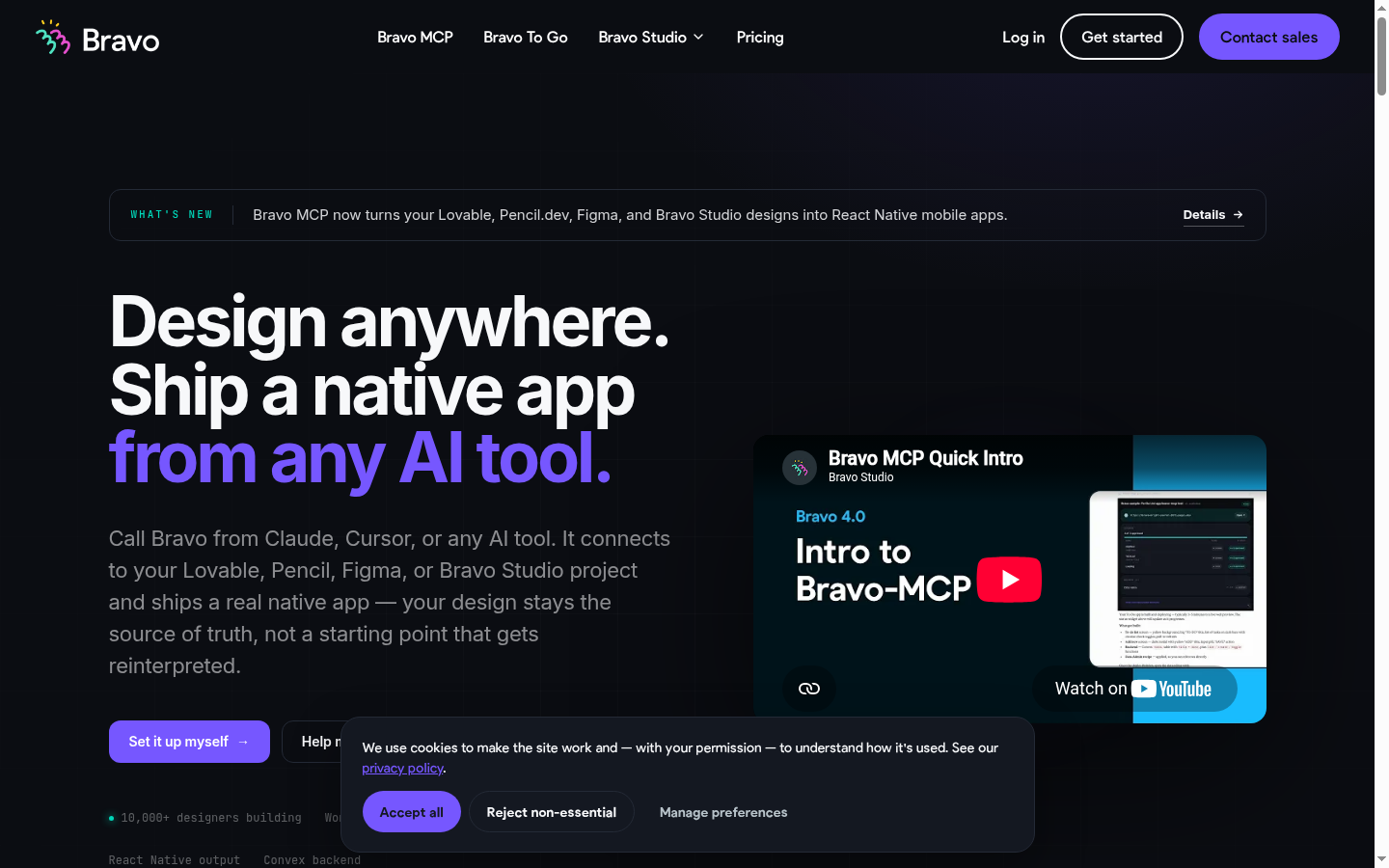
A specialist that does one thing beautifully, and a second thing we had missed. If you have a finished Figma file and an API, Bravo turns them into a native app that looks exactly like the design, and design at 4.4 reflects that fairly. The part our previous verdict denied is Bravo MCP, shipped in Bravo 4.0 as a beta inside the Solo plan: in the vendor's words it "plugs into Claude, ChatGPT, Cursor, or any MCP-compatible AI client and lets you build native apps from inside the AI conversation you already use", with React Native output, a Convex backend included and realtime sync from Figma. So "no backend, bring your own API" is wrong on that path. Auth and payments are further along than we said too: OAuth 2.0 login, custom authentication and Firebase email and phone login are Solo platform features, with Stripe and in-app purchases as an add-on. The real ceiling is one we never mentioned and it is the honest explanation of the 2.6 scalability mark: 15 screens per app on Starter, 30 on Solo. That is what limits Bravo to small applications, not the absence of features.
- Price from
- USD 22 / month, billed monthly
- Best for
- Designers with a finished Figma prototype and an API to plug into it
- Ratings
- 3

FlutterFlow
The serious answer for cross-platform mobile, if you can handle Flutter
3.9out of 5
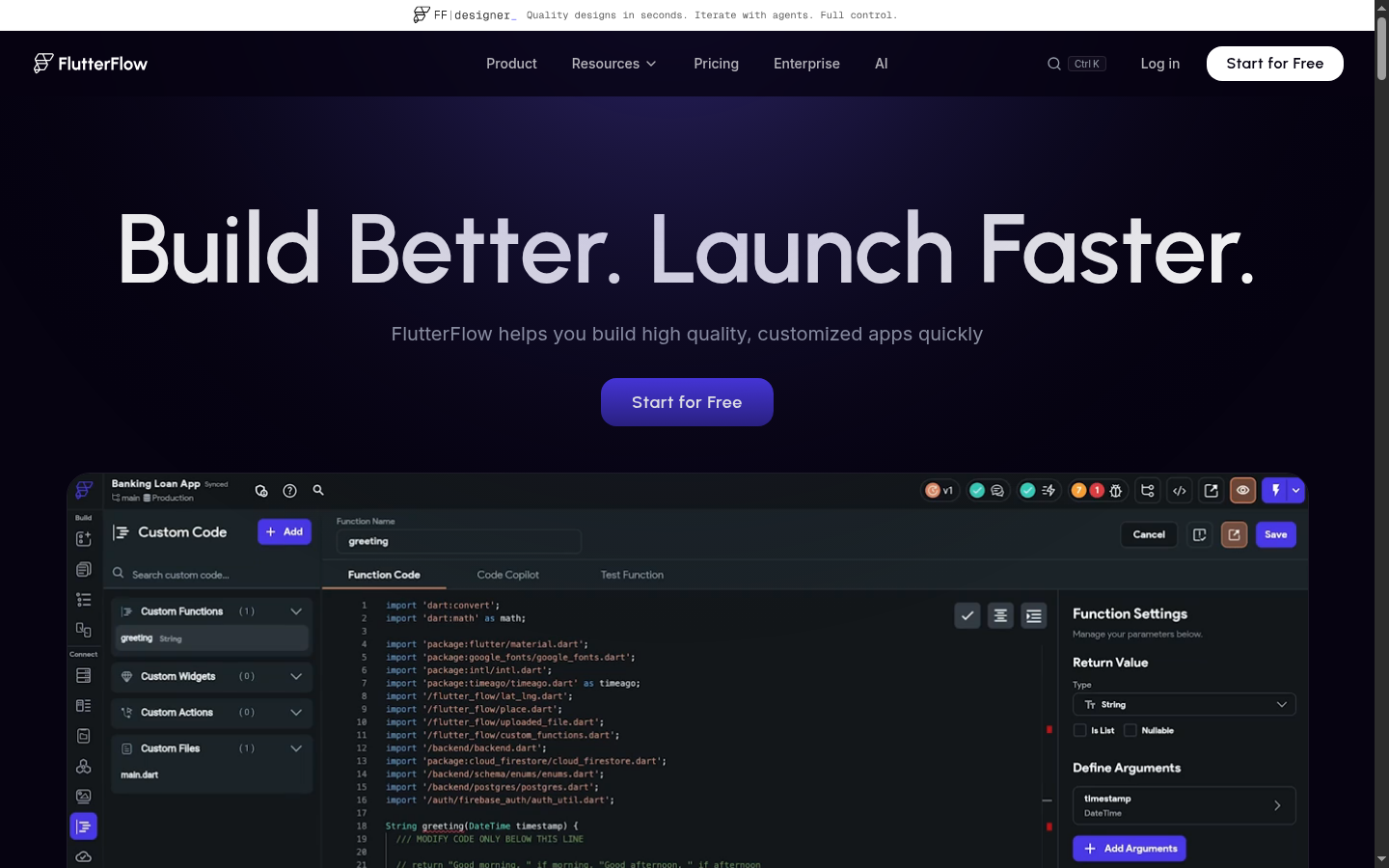
The best mobile tool in this index, and one of the strongest agent stories on the roster. FlutterFlow generates genuine Flutter projects, exports the source on paid plans, and produces interfaces that look designed rather than generated, taking 4.3 on both design and integrations. It also ships an official documented MCP server plus a CLI that lets Claude Code, Gemini CLI or Codex create and edit real projects, which is why the API and MCP axis sits at 4.3 rather than among its weaknesses. Disclose the gates before you budget: CLI access is a Business-tier feature at USD 150 for the first seat, GitHub Integration starts at Growth rather than at the entry tier, so a repository workflow costs about twice the headline price, and AI generation on the Free tier is 5 requests per lifetime, not per month. The vendor builds "Mobile, Web, & Desktop Apps" and ships a Local Run Desktop Emulator, so desktop belongs in its coverage alongside iOS, Android and web. The catch is that you inherit Flutter: web output is heavy and scores 2.8 on SEO, and debugging eventually means reading Dart.
- Price from
- USD 39 / month, billed monthly
- Best for
- Teams that need one codebase for iOS, Android and web with a real exit path to Flutter source
- Ratings
- 34
What each one looks like
Axis by axis
The leader on each axis is set in bold. The weight column is what that axis contributes to the overall rating, so a win on reliability counts for more than five times a win on code ownership.
| Axis | Weight | Bravo Studio | FlutterFlow | Leader |
|---|---|---|---|---|
| Reliability | 16% | 3.3 | 4.3 | FlutterFlow |
| Integrations | 16% | 3.8 | 4.3 | FlutterFlow |
| SEO and GEO | 13% | n/a | 2.8 | Not compared, axis does not apply |
| Design quality | 12% | 4.4 | 4.3 | Bravo Studio |
| Agent performance | 10% | 3.7 | 3.5 | Bravo Studio |
| Speed | 9% | 3.6 | 4.1 | FlutterFlow |
| Value | 9% | 3.5 | 3.6 | FlutterFlow |
| Scalability | 7% | 2.6 | 4.2 | FlutterFlow |
| API and MCP access | 5% | 4.0 | 4.3 | FlutterFlow |
| Code ownership | 3% | 2.1 | 4.4 | FlutterFlow |
| Overall, weighted | 100% | 3.6 | 3.9 | FlutterFlow |
Axis definitions and the full weighting are on how we review. Both tools last verified 20 August 2026.
Where the capabilities differ
| Capability | Bravo Studio | FlutterFlow |
|---|---|---|
| Full-stack backend | Yes on the Bravo MCP path, with a Convex backend included, or bring your own API | Yes, via Firebase or Supabase |
| Database included | Yes, a Convex backend on the Bravo MCP path | Yes, through Firebase or Supabase |
| Auth included | OAuth 2.0 login, custom authentication and Firebase email and phone login on Solo | Yes |
| Code export | No | Yes, full Flutter source on paid plans |
| GitHub sync | No | Yes, from the Growth plan rather than the entry tier |
| One-click deploy | Yes, store builds | Yes, one-click App Store deployment is listed in the Basic plan, plus web builds |
| Custom domain | Not applicable | Yes, for web output |
| Mobile or native output | Native iOS and Android builds, with React Native output on the Bravo MCP path | Native iOS and Android from Flutter, plus web and desktop, with a Local Run Desktop Emulator |
| Team collaboration | Limited | Yes, with real-time editing |
| Public API or MCP server | Yes, Bravo MCP in beta on the Solo plan, plus REST bindings to your own API | Yes, an official documented MCP server, plus a CLI for Claude Code, Gemini CLI or Codex that is a Business-tier feature at USD 150 for the first seat |
| Self-hosting the output | No | Yes, after source export |
Shaded rows are the ones where the two differ.
What each one costs
Bravo Studio
Two self-serve plans. STARTER is the free one, free forever at $0, and SOLO is USD 22 a month. Everything above Solo is quote-based professional services.
Solo plan. The vendor states: prices in USD are based on the current exchange rate, the exact price is shown at checkout.
| Plan | Price |
|---|---|
| STARTER | Free |
| SOLO | USD 22 |
| Professional services | On request |
FlutterFlow
Free plan to build and preview. Paid plans are Basic at USD 39 a month, then Growth and Business, which price the first seat higher than the ones after it. Enterprise and Education are quoted separately.
Basic plan. Seat pricing is tiered above that: Growth is USD 80 for the first seat and USD 55 for the second, Business is USD 150 for the first seat and USD 85 for seats 2 to 5.
| Plan | Price |
|---|---|
| Free | Free |
| Basic | USD 39 |
| Growth | USD 80 |
| Business | USD 150 |
| Enterprise | On request |
| Education | On request |
Prices are shown in the currency each vendor publishes, never converted. Sorting by price groups the currencies and orders within each one, so it is not an exact cross-currency comparison.
We list the plans we could verify on the vendor's own pricing page. Where a plan exists but its price was not published in a form we could capture, the row says so rather than carrying a number we cannot source.
Which one should you choose
Pick Bravo Studio if your project looks like designers with a finished figma prototype and an api to plug into it. Its strongest axes in this pairing are design quality, agent performance. Avoid it for anyone without a design file, or without a backend already built.
Pick FlutterFlow if your project looks like teams that need one codebase for ios, android and web with a real exit path to flutter source. Its strongest axes here are reliability, integrations, speed. Avoid it for anyone who needs a fast public website, or who has never met a widget tree.
And the dissenting notes, which we publish rather than average away: on Bravo Studio, The editor in chief held that a beta MCP surface should not lift the agent score yet, and that a product whose ceiling is 30 screens is a bridge rather than a platform however it is driven. On FlutterFlow, The Spanish edition editor argued the learning curve is understated for non-developers, who often stall the first time a widget tree needs restructuring by hand.
Frequently asked
- Is Bravo Studio better than FlutterFlow?
- On our weighted overall rating, FlutterFlow scores higher: 3.6 for Bravo Studio against 3.9 for FlutterFlow. Axis by axis it is closer than that sounds. Bravo Studio leads 2 of the 9 axes that apply to both, FlutterFlow leads 7, and 0 are tied. The right choice depends on which axes you weight, not on which total is larger.
- Which is cheaper, Bravo Studio or FlutterFlow?
- Bravo Studio starts at USD 22 / month, billed monthly and FlutterFlow starts at USD 39 / month, billed monthly. Each figure is the vendor's own published price and currency, not converted, so compare the pricing models rather than the two numbers: Bravo Studio bills as two self-serve plans. starter is the free one, free forever at $0, and solo is usd 22 a month. everything above solo is quote-based professional services. and FlutterFlow bills as free plan to build and preview. paid plans are basic at usd 39 a month, then growth and business, which price the first seat higher than the ones after it. enterprise and education are quoted separately..
- Can I move a project from Bravo Studio to FlutterFlow?
- Only as far as code export allows. On the code ownership axis Bravo Studio scores 2.1 and FlutterFlow scores 4.4 out of five, which reflects how much of the running application you can take with you and whether it still works once moved.
- Which one is better for search visibility?
- The SEO and GEO axis, which we weight at 13 percent, does not apply to both tools here. Bravo Studio builds software that sits behind a login or ships to an app store, so there are no public crawlable pages to test and the axis is left out of its overall rating. FlutterFlow scores 2.8 on it.